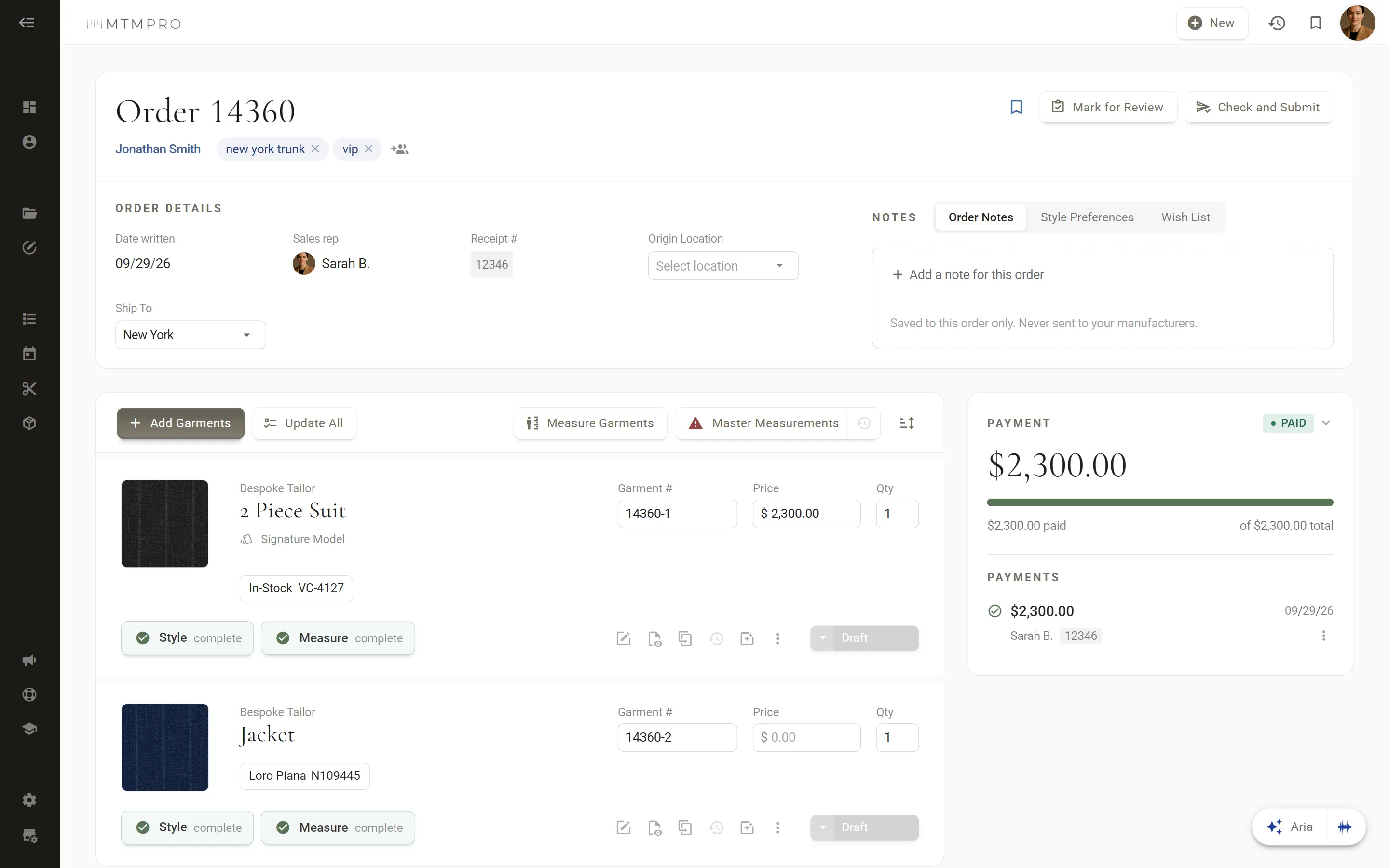
Made for a tablet in the fitting room.
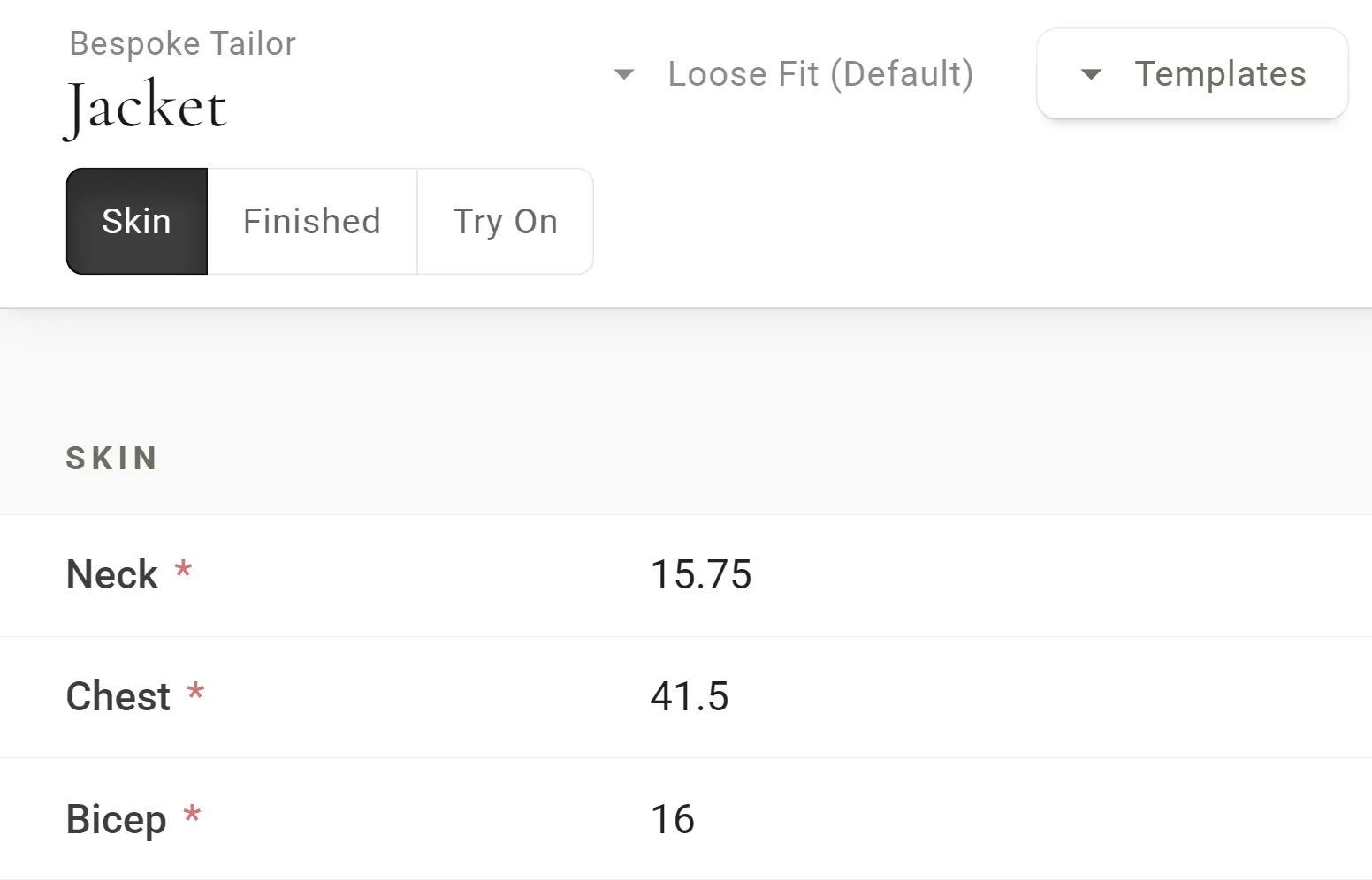
Large targets you can hit with a thumb, a keypad with fraction keys down to the eighth, and Auto Advance, which opens the next field as soon as you choose. The order keeps pace with the conversation, and your eyes stay on the customer.
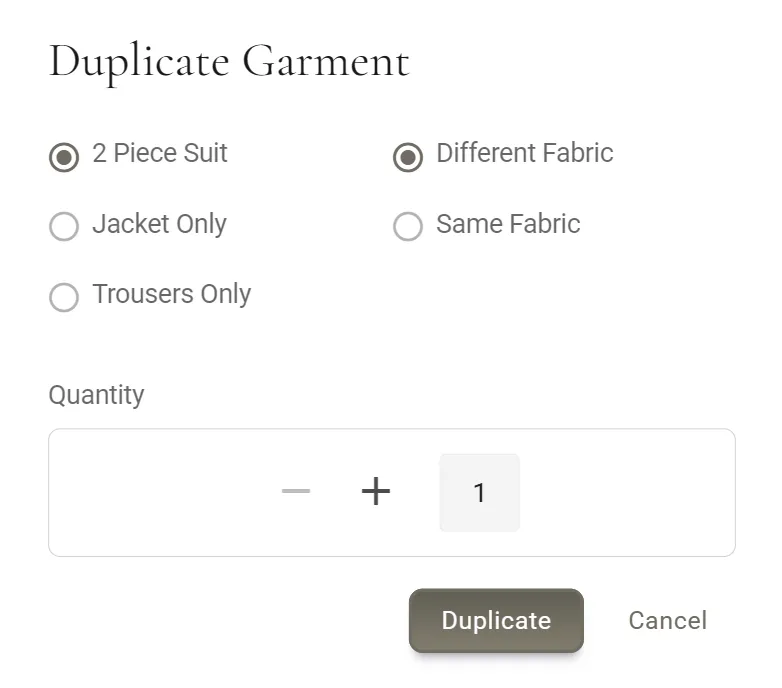
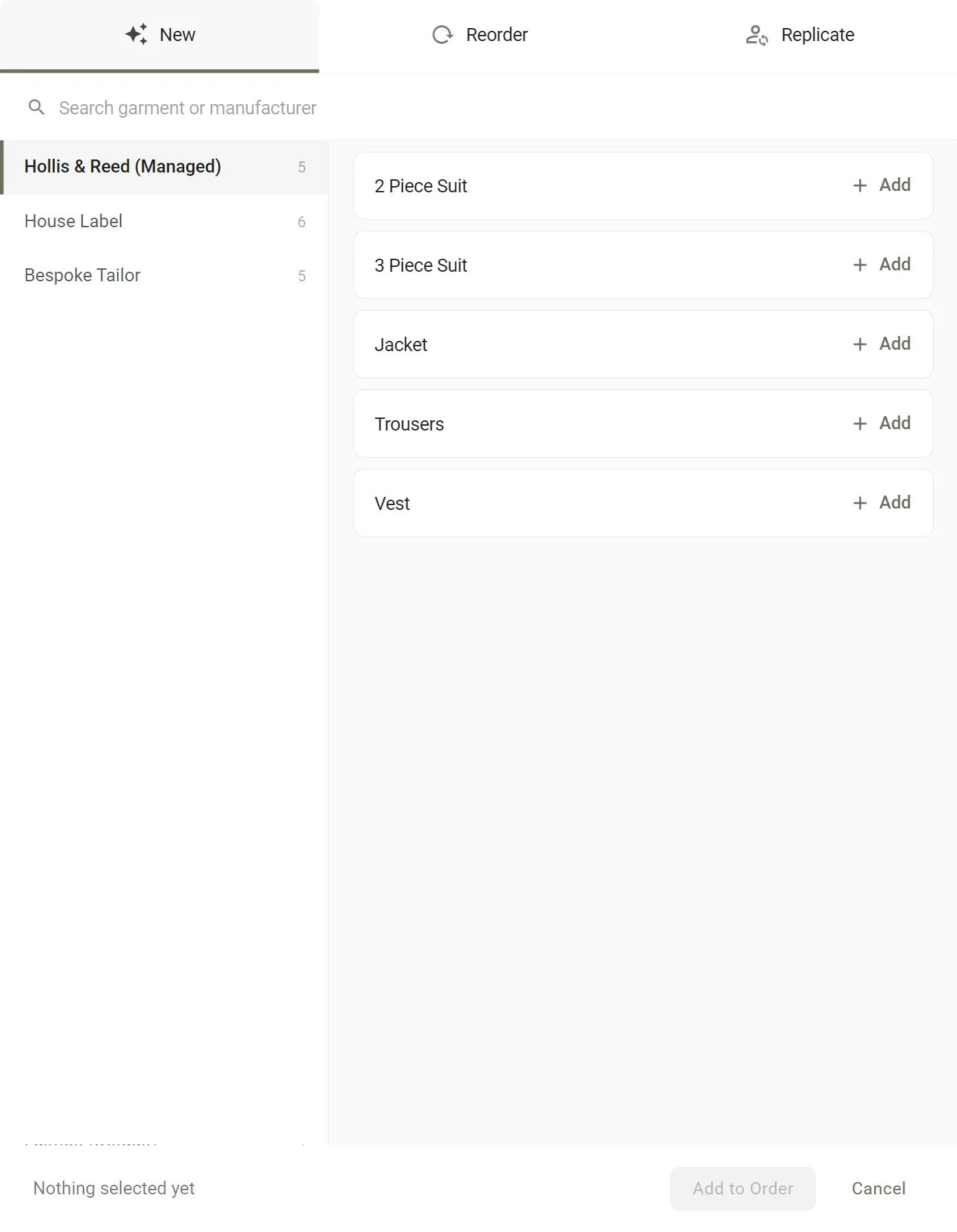
Start fresh, reorder, or copy a garment you have made before.
Add a garment from scratch, or Reorder one from the customer's history: the style comes across, and their latest measurements come with it.
Replicate(on the Premier and Scale plans) starts from another customer's garment, for the friend who wants one just like it, and fills in the new customer's own measurements.
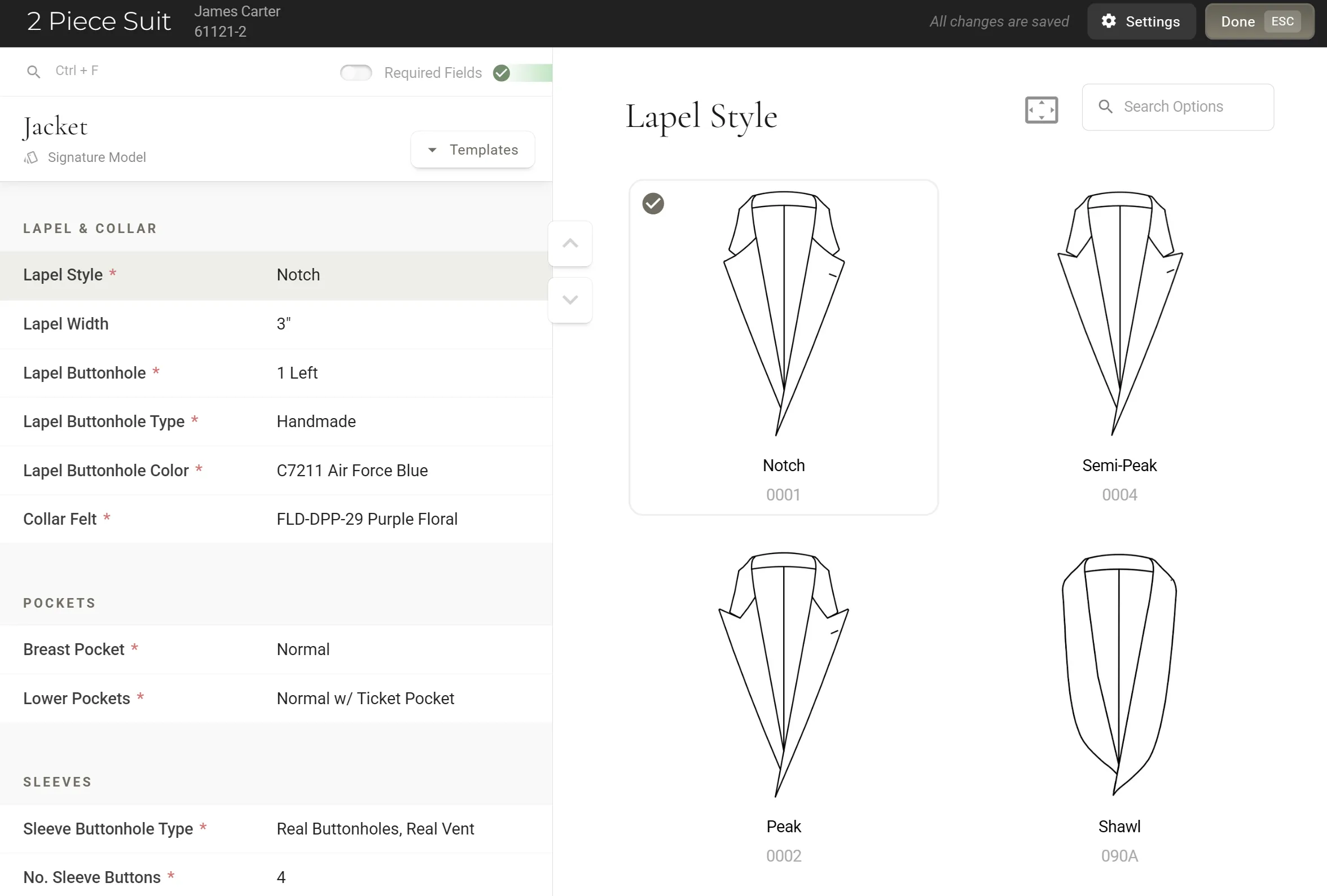
Your house styles, one tap away.
Save a style template for each style you sell most and lock the fields that must not change, so a house cut is ordered the same way every time. Garment Shortcuts put a manufacturer, a garment and its template on one tile: tap it, and the garment is on the order, already styled.
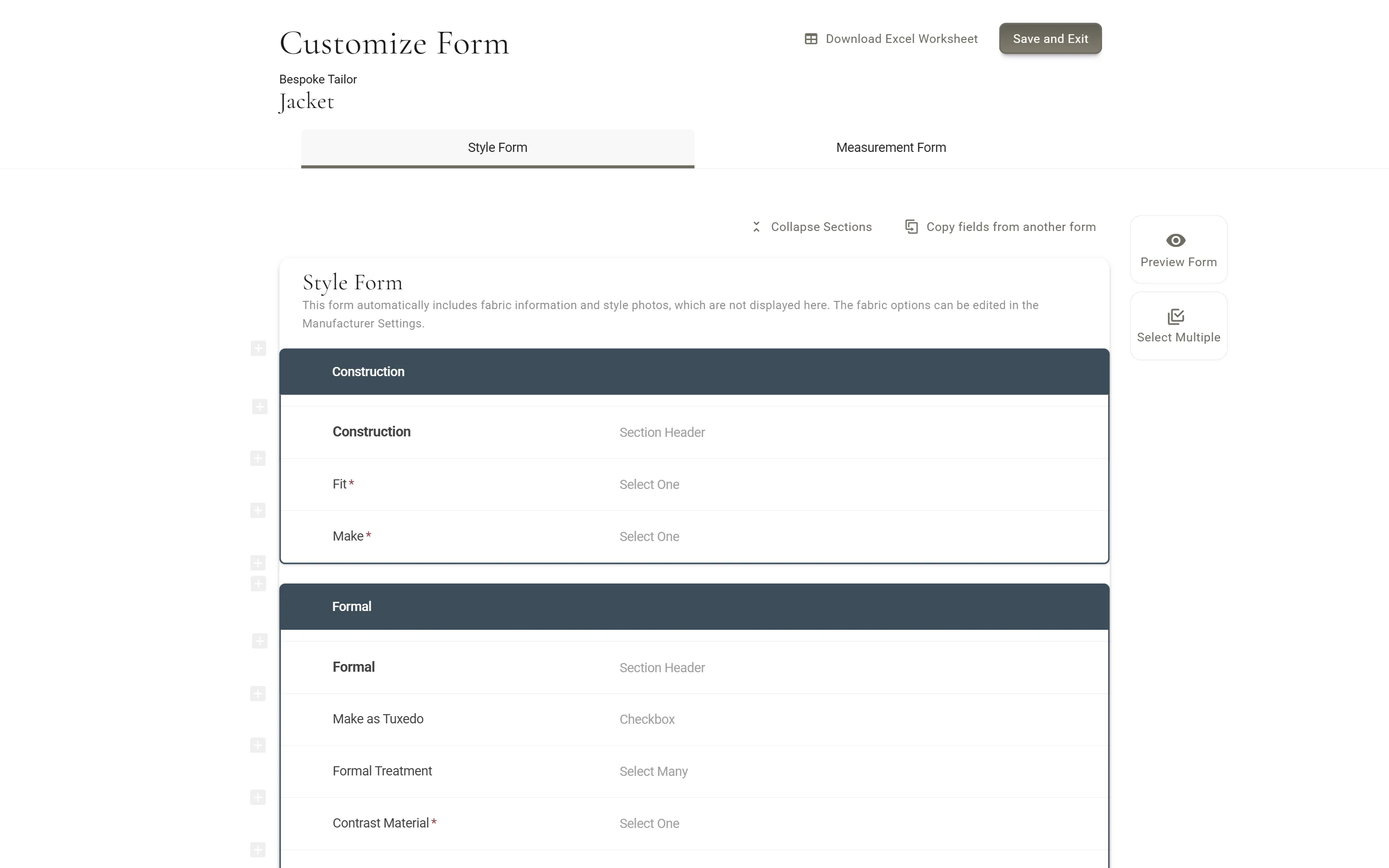
Order forms that ask what each manufacturer needs.
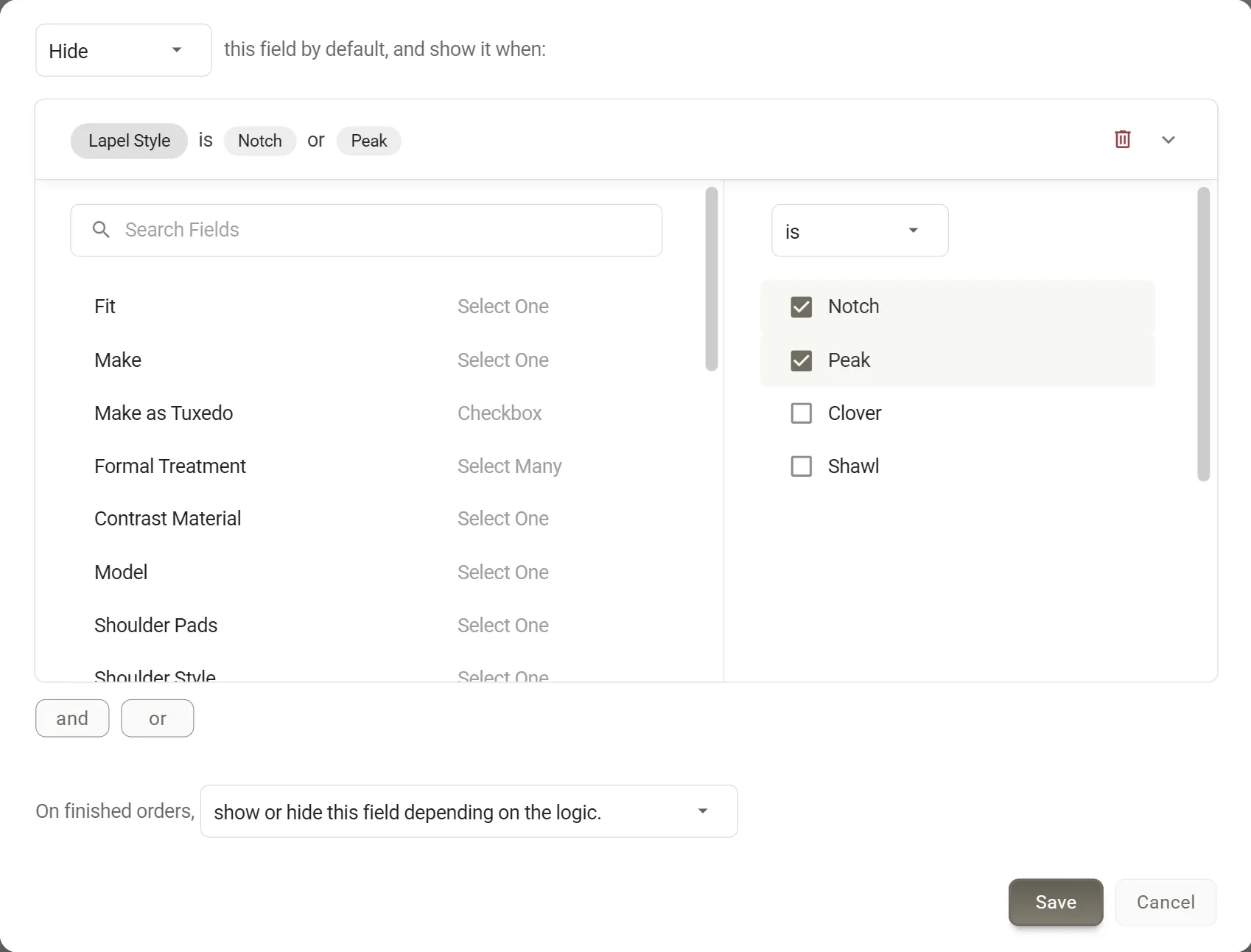
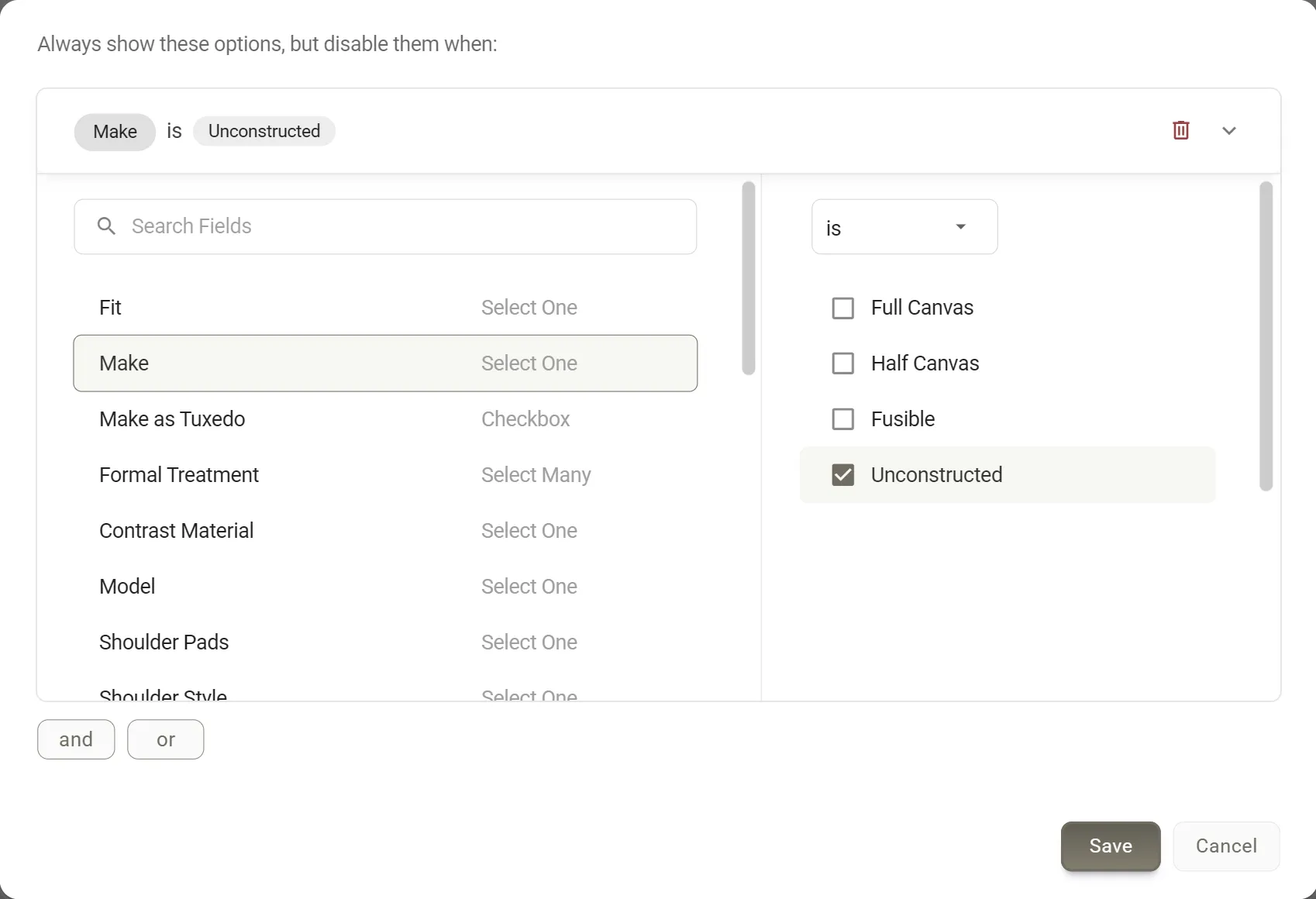
Build each manufacturer's forms in the form builder: your fields and sections, in your order. Form Logic shows a field only when an answer calls for it. Item Logic(on the Premier and Scale plans) greys out an option that cannot go with another, such as a pen pocket on an unconstructed jacket.
Trimming libraries keep your buttons, linings and threads with their codes and pictures, shared across a manufacturer's forms.
Checked before it goes, and sent the way each manufacturer wants it.
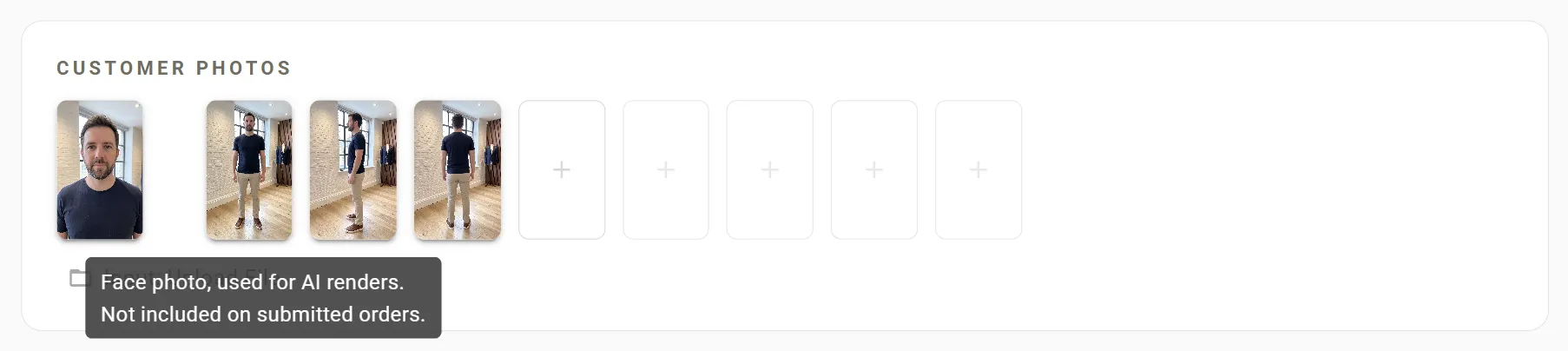
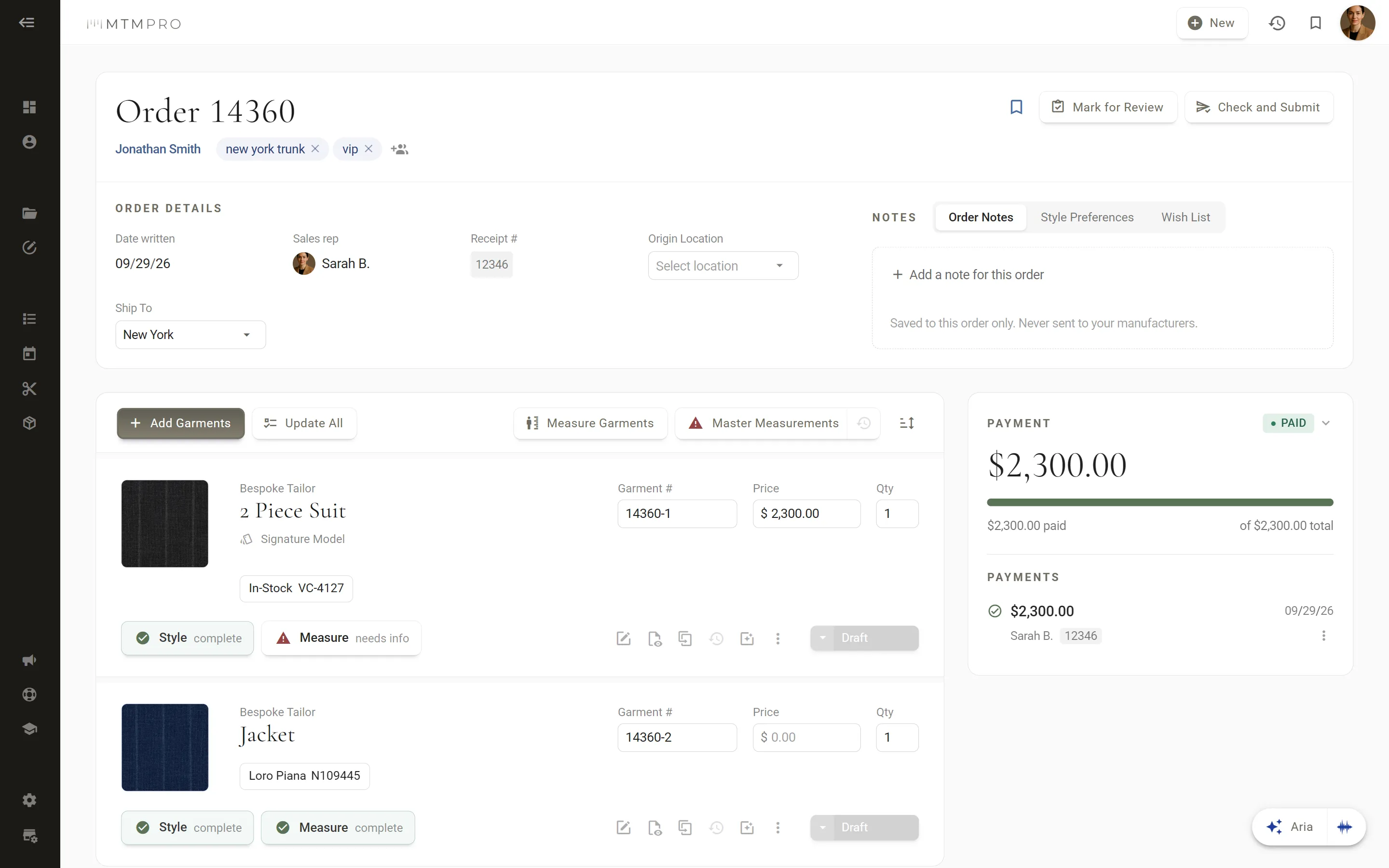
Every garment carries a Style and a Measure chip, and a red alert points to the required field still missing. Then Check and Submit sends the order to each manufacturer its own way: by email with a PDF that carries photos of the customer, the fabric and the style, by email with an Excel sheet (without photos), or into the MTMPRO manufacturer portal for the manufacturers who work in it.